
110 Likes
98 Comments
1703 Downloads
Screenshots
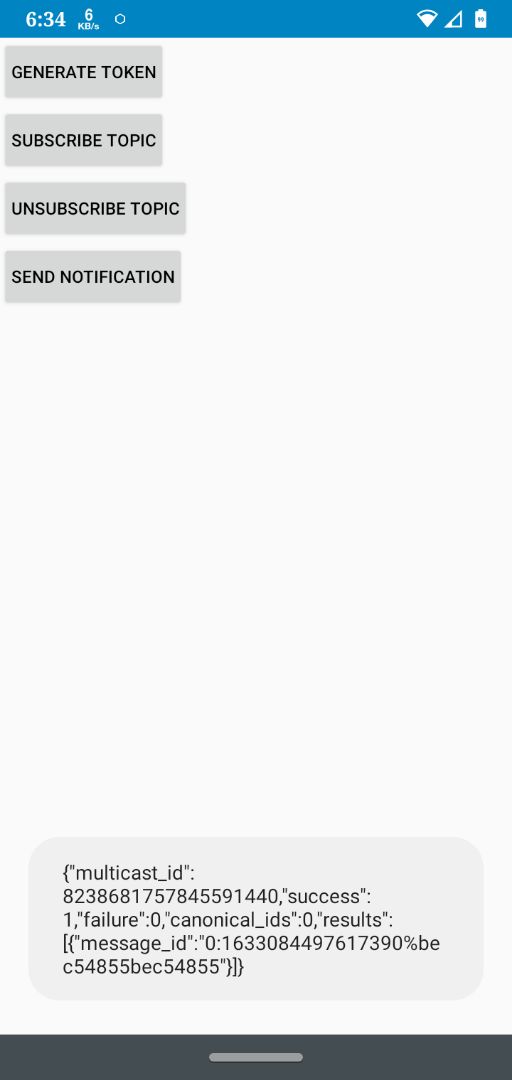
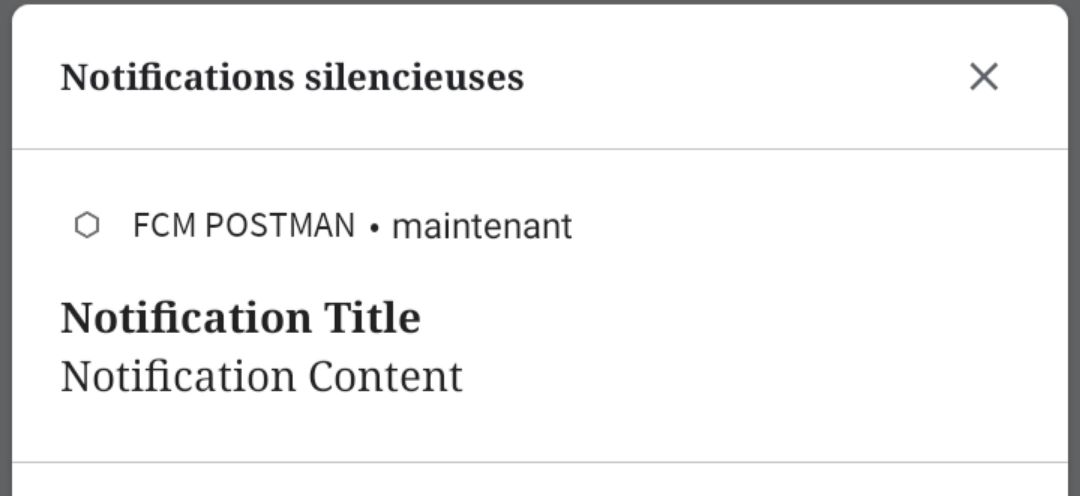

About
Documentation https://link.medium.com/AaaJAk66dkb
YouTube video tutorial link https://youtu.be/p6PDN4fEgX0
FCM send push notifications *ADD YOUR OWN SERVER_KEY BEFORE OR IT'LL NOT WORK __How to get Server_key?
Go to Firebase console — →Project Settings — →Cloud Messaging. __ UPDATES Before run it add your Firebase Server_Key No need of One Signal FCM is Completely free *All explanations is inside the project
openSource
GET FCM TOKEN
FirebaseInstanceId.getInstance().getInstanceId()
                        .addOnCompleteListener(new OnCompleteListener<InstanceIdResult>() {
                @Override
                public void onComplete(@NonNull Task<InstanceIdResult> task) {
                            progressbar2.setVisibility(View.GONE);
        fcm_button.setVisibility(View.VISIBLE);
        if (task.isSuccessful()) {
            token = task.getResult().getToken();
            fcm_text.setText(token);
            token_edittext.setText(token);
        }
        else {
            SketchwareUtil.showMessage(getApplicationContext(), "Couldn't generate FCM TOKEN :\n".concat(task.getException() != null ? task.getException().getMessage() : ""));
            SketchwareUtil.showMessage(getApplicationContext(), "How to get Server_key?\n\nGo to Firebase console — →Project Settings — →Cloud Messaging.");
        }
                        }
            });
©2026 Sketchub | User Policy