37 Likes
12 Comments
785 Downloads
What's new
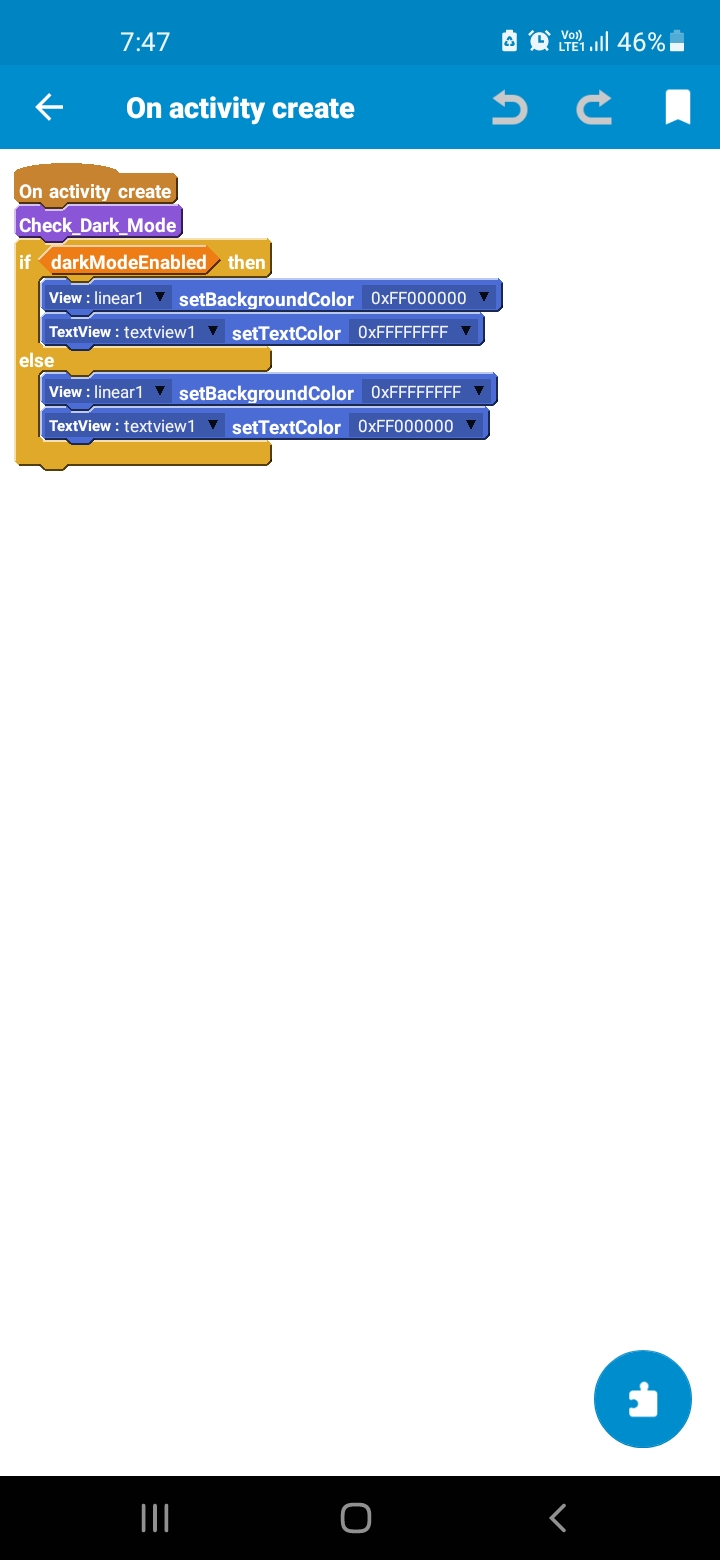
In this update, To make it easier for all, I made a moreblock and a boolean to make it easier for devs to import this into their app.
Screenshots
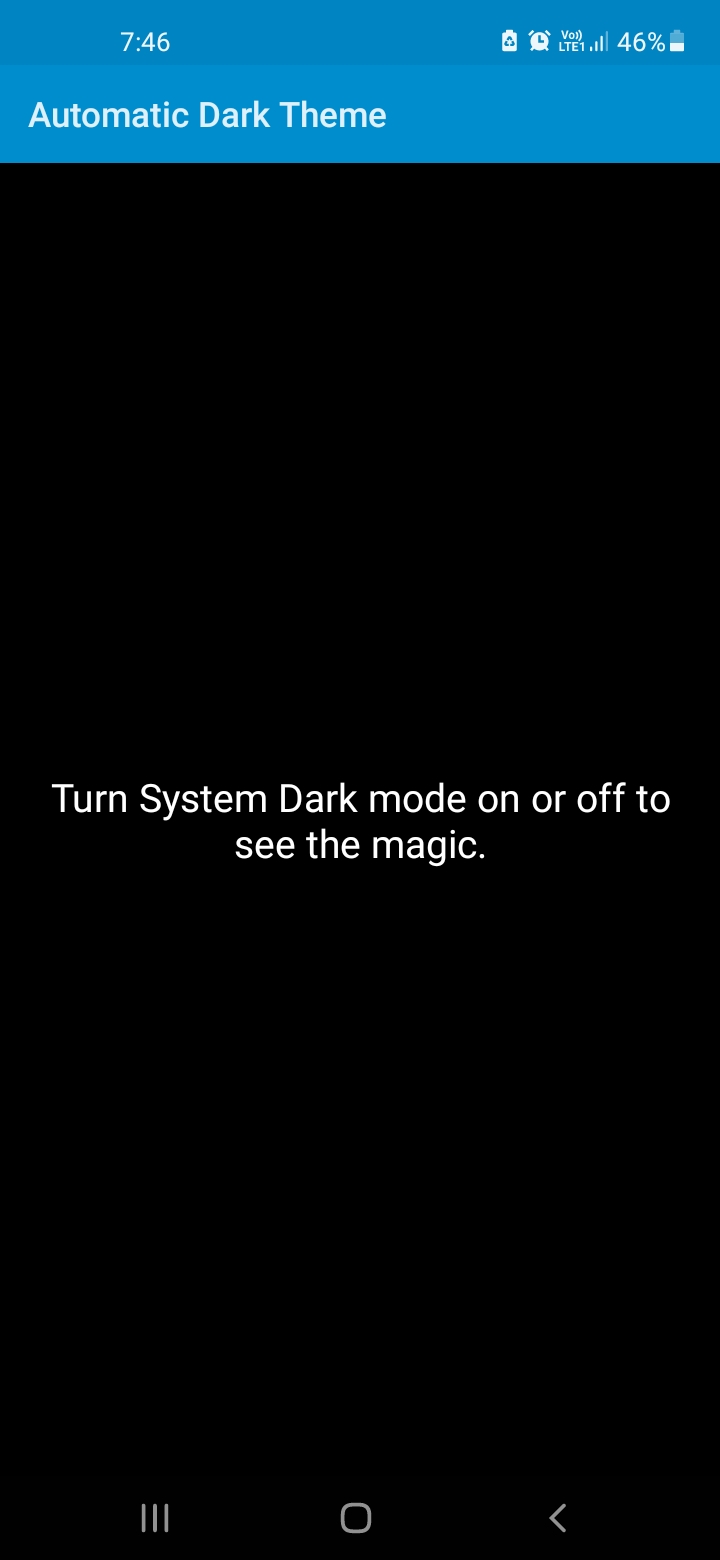
About
This Dark Theme is changed by the System. After, Andriod version 8. There has been more support for Themes. So, users will switch to Dark Theme straight away from the system. Not, switching the dark theme from each apps. So, This will be very useful to developers. But, this code was found from codehive not by me. Hats off 👏 to the person who published the code to codehive. Thanks all.
The steps to import this
- Download the app and open project in Sketchware.
- Go to Events and Click Moreblock
- Click the Check_Dark_Mode moreblock and click save to collection
- Go to your project, Which you want to import the dark mode 5.Go to Moreblock section and click add from collection.
- Then select the moreblock which you have saved. It asks for you to import resources.
- Click yes to import the variables (boolean).
- Refer the onCreate Activity to implement it.
©2026 Sketchub | User Policy