
What's new
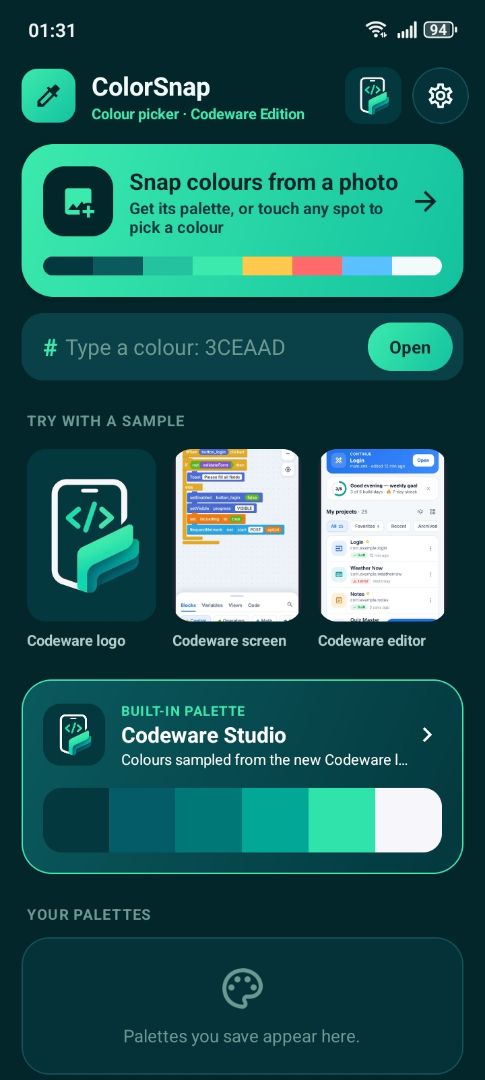
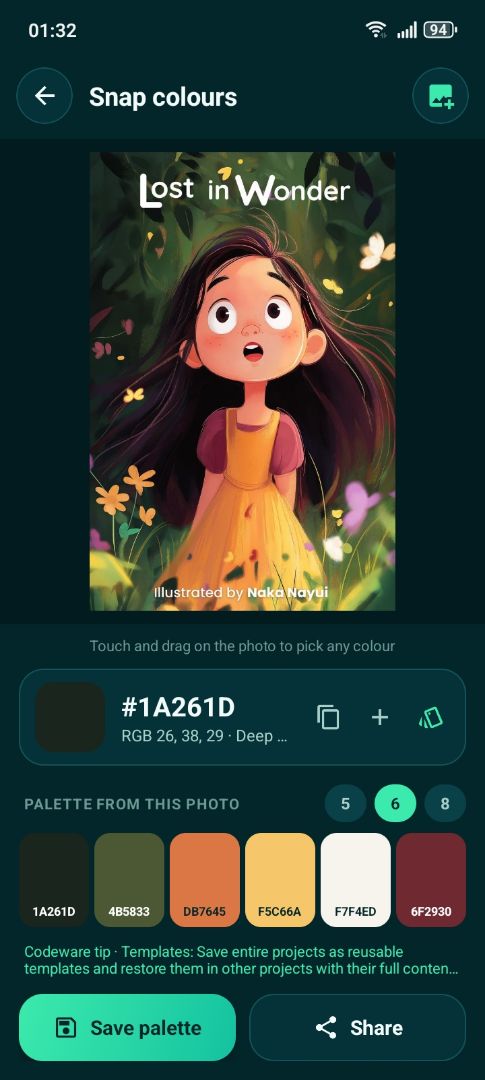
ColorSnap pulls the main colours from any photo and lets you pick any spot. Copy HEX, RGB, HSL or colors.xml, see harmonies and contrast, and save palettes. It even has a Codeware Studio palette.
Screenshots


About
ColorSnap turns any photo into a colour palette. Open a picture and it finds the 5, 6 or 8 main colours, or touch and drag on the photo to pick the exact colour of any spot. Every colour comes with HEX, RGB, HSL, an Android int and a colors.xml line, each copied in one tap, plus a friendly name and contrast checks on white and black. Seven harmonies (complementary, analogous, triadic, split complementary, tetradic, shades and tints) help you build matching schemes, and your palettes are saved, renamed, shared or exported as a HEX list, colors.xml or Java ints. ColorSnap is made for the Codeware community and wears the new Codeware Studio identity. It ships with a Codeware Studio palette sampled from the new logo, and the Codeware logo and official Codeware screens are ready as samples. Exports are ready to paste into the resources of a Sketchware Pro or Codeware Studio project. Codeware tips appear while colours are extracted, and a full Codeware Studio screen gathers the features, the journey, the FAQ and the official links. Every screen is built from real Sketchware views, ready to open, learn from and change.
©2026 Sketchub | User Policy