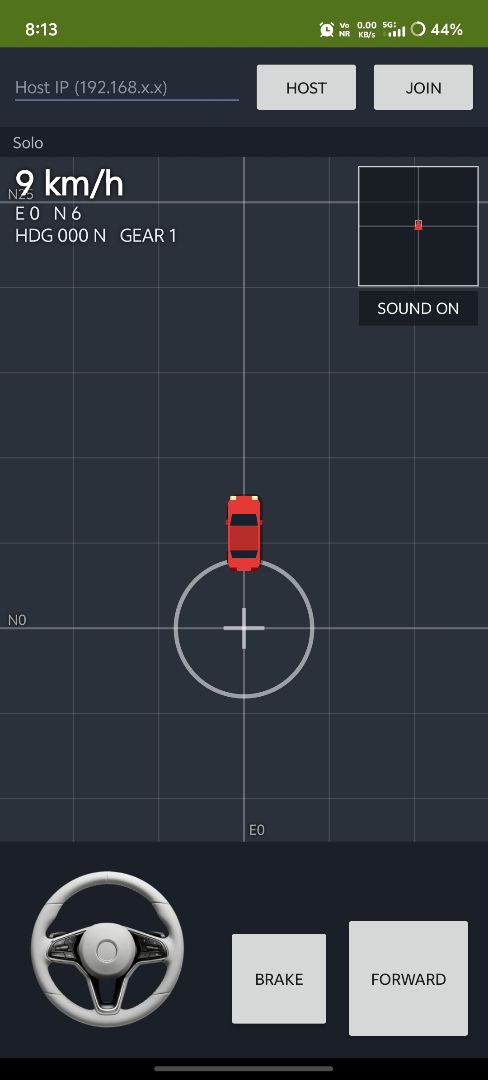
Screenshots
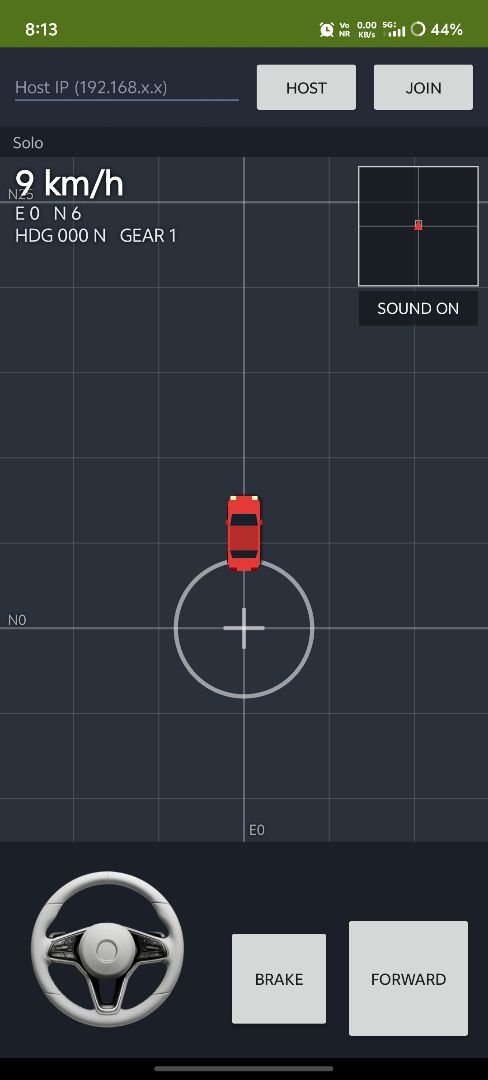
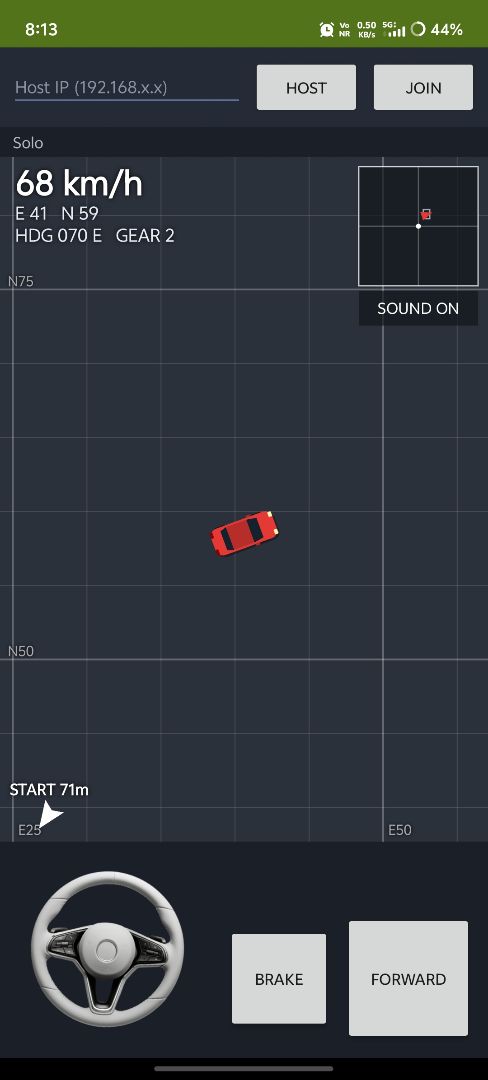
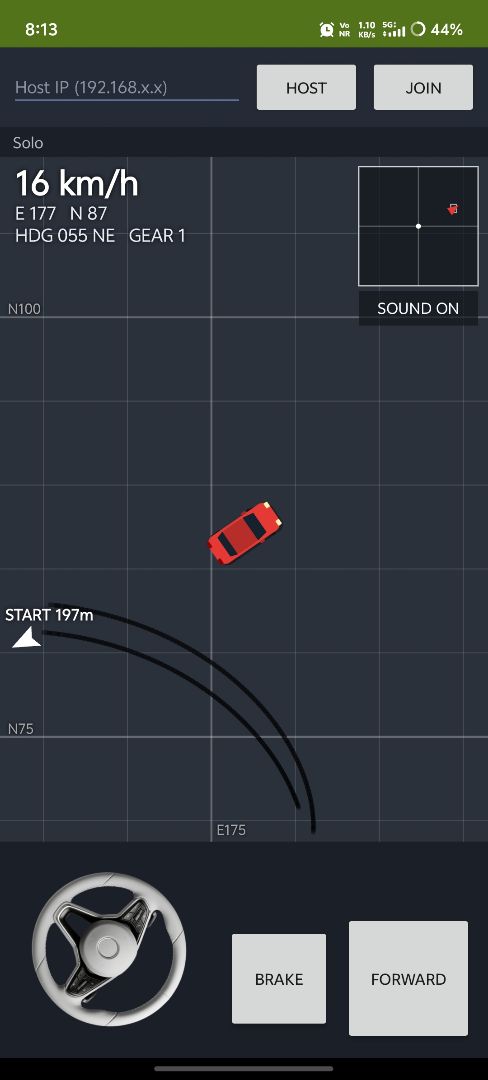
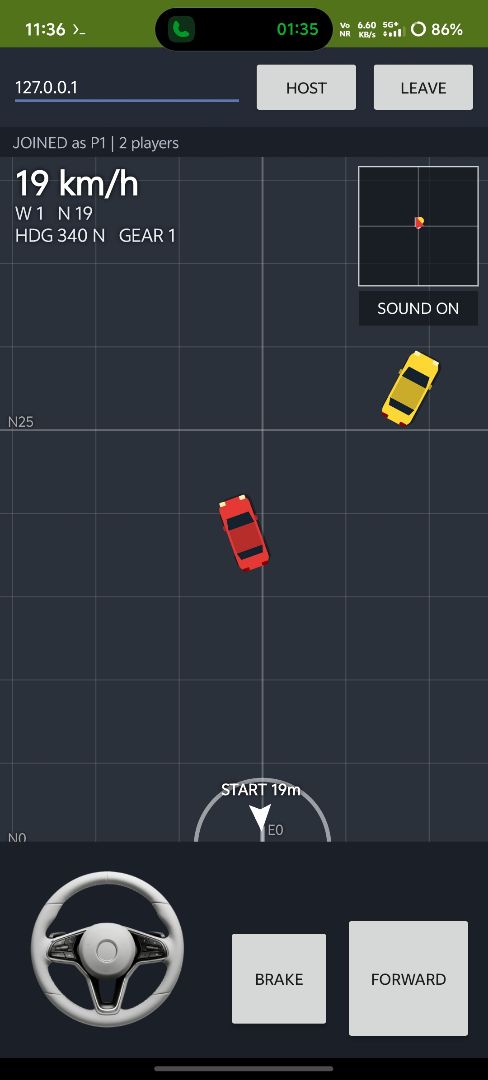
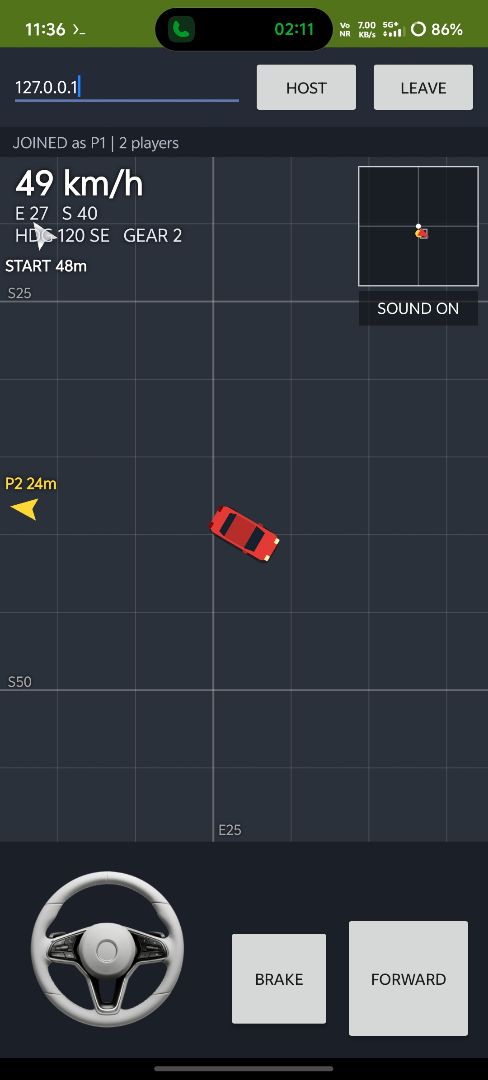
About
A car game, where you can drive a car solo or your friend enters your hosted ip and joins to play multiplayer, not only through the local network but also your friends can play through anywhere in the world through web play, this app/game supports web multiplayer too. Here are the steps how to do that.
Only Lan: Turn on hotspot on your phone and let your friend connect to the wifi. Click host on your phone, now enter the IP (shown in the host's phone) in your friend's phone and join. Your phone is the server.
Web + Lan: To use in the web, first do these. Install termux download these two files (index.html & server.js)
- index.html
- server.js let them rest in downloads folder Run these commands in termux (exactly In order)
pkg update -y && pkg upgrade -y
pkg install -y nodejs cloudflared
termux-setup-storage
mkdir -p ~/wificar && cd ~/wificar
cp ~/storage/downloads/server.js ~/storage/downloads/index.html .
Each time when you wanna play
cd ~/wificar
termux-wake-lock
node server.js
Termux prints something like this ROOM CODE : K7QX2 PUBLIC LINK: https://something.trycloudflare.com Also there will be a local port ip something like 192.0.0.2 or 127.0.0.1 Now you need to enter this local ip in the host's phone and click join (your friend can play local with this same ip too), to play in the web, share the link and code to the friend, friend opens it and enters the room code to join and play. But the web version is simplified and has no sound. Termux is the server.
©2026 Sketchub | User Policy