
Screenshots
About
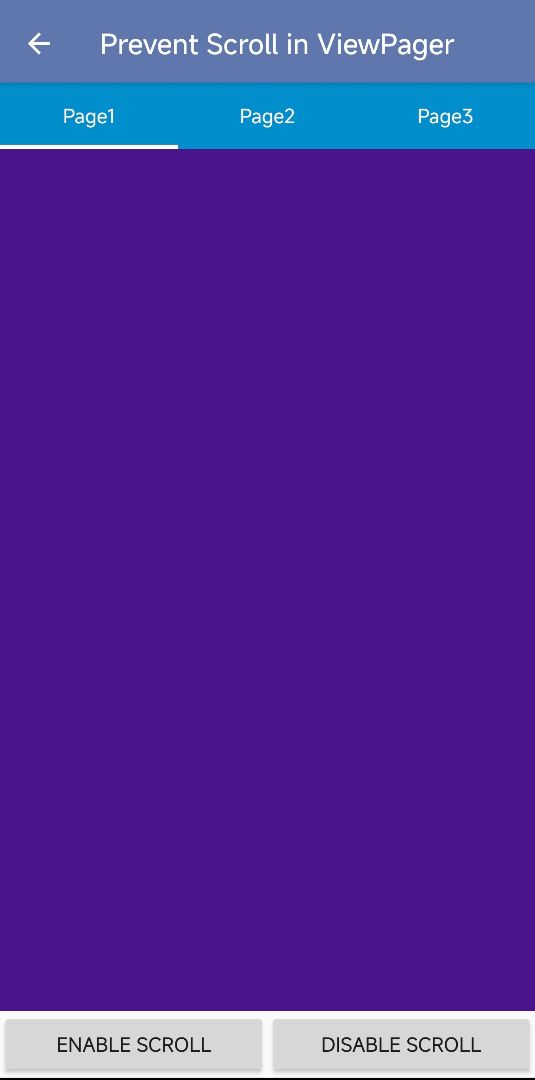
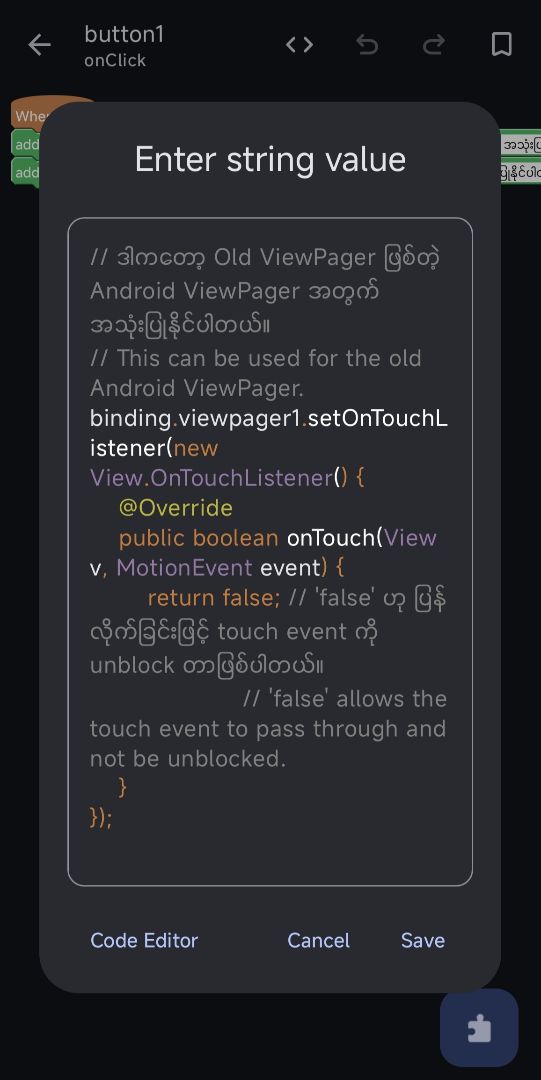
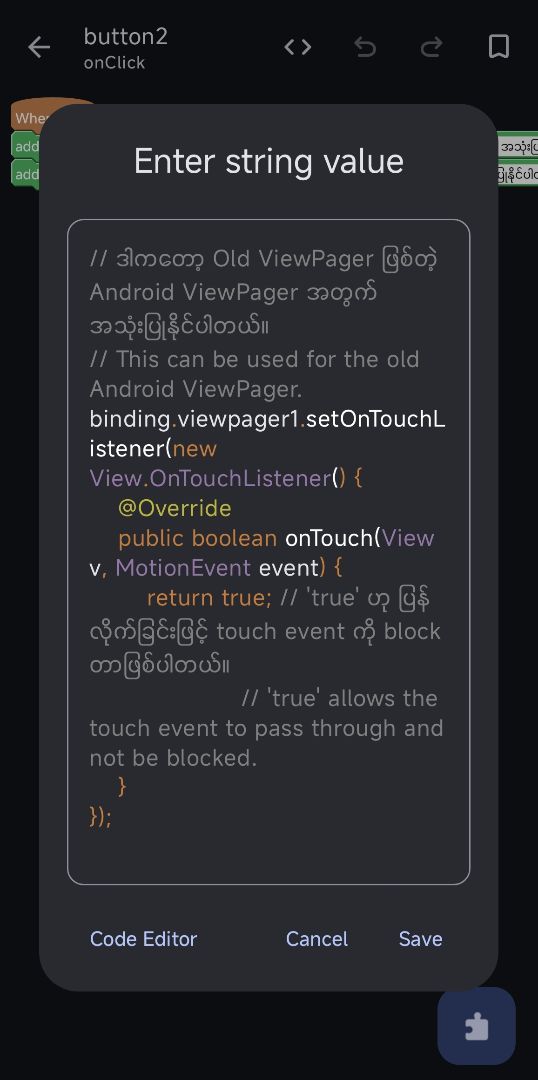
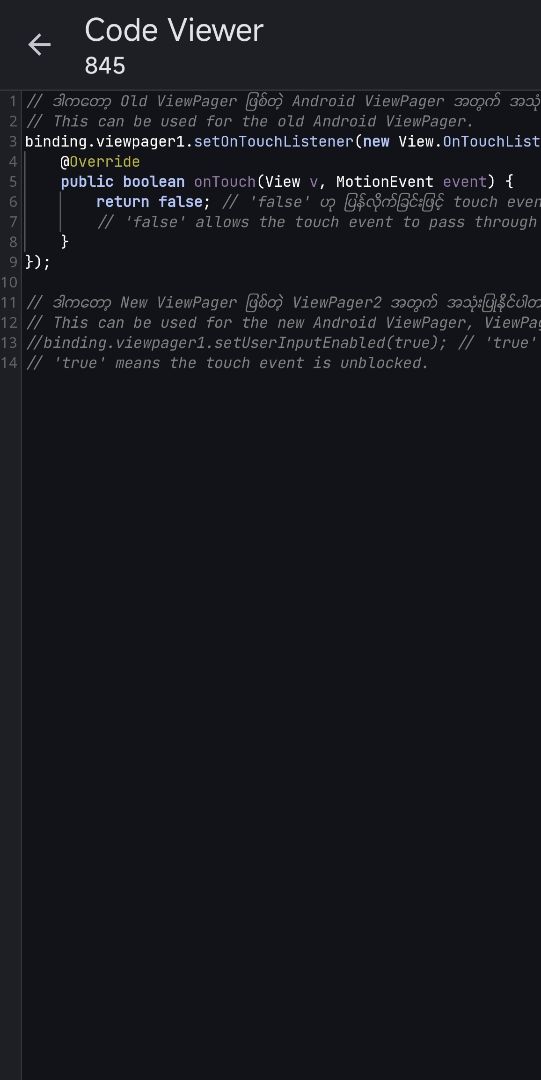
• This app demonstrates how to control ViewPager swipe behavior (enable / disable) in an Android project • The ViewPager is used with multiple fragments (Page1, Page2, Page3) and TabLayout for navigation • The main feature is the ability to lock or unlock user swipe interaction dynamically • When “Enable Scroll” is triggered, the ViewPager allows normal swipe navigation between pages • When “Disable Scroll” is triggered, swipe gestures are blocked and users can only switch pages programmatically or via tabs • For the old ViewPager system, touch events are controlled using OnTouchListener • Returning false allows touch events (scroll enabled) • Returning true blocks touch events (scroll disabled) • This mechanism is used to prevent or allow user interaction based on app logic
——→ Purpose of the App • To demonstrate how to control ViewPager swipe behavior dynamically • To restrict or allow page navigation based on user actions or app state • To provide a clean and simple way to manage controlled navigation in multi-page apps • To improve UX in cases where forced navigation flow is required (tutorials, locked screens, guided apps)
If you have any issues, want to request a project, or need a custom app, feel free to contact me.
📩 Contact: Telegram: @kkbb_ware
📺 Learn Sketchware tutorials: YouTube: https://youtube.com/@kaungkhantburmeseblog?si=EOGlmTNyVCrKPyLo
KaungKhantBurmeseBlog
DeveloperFromMyanmar
©2026 Sketchub | User Policy