
Screenshots
About
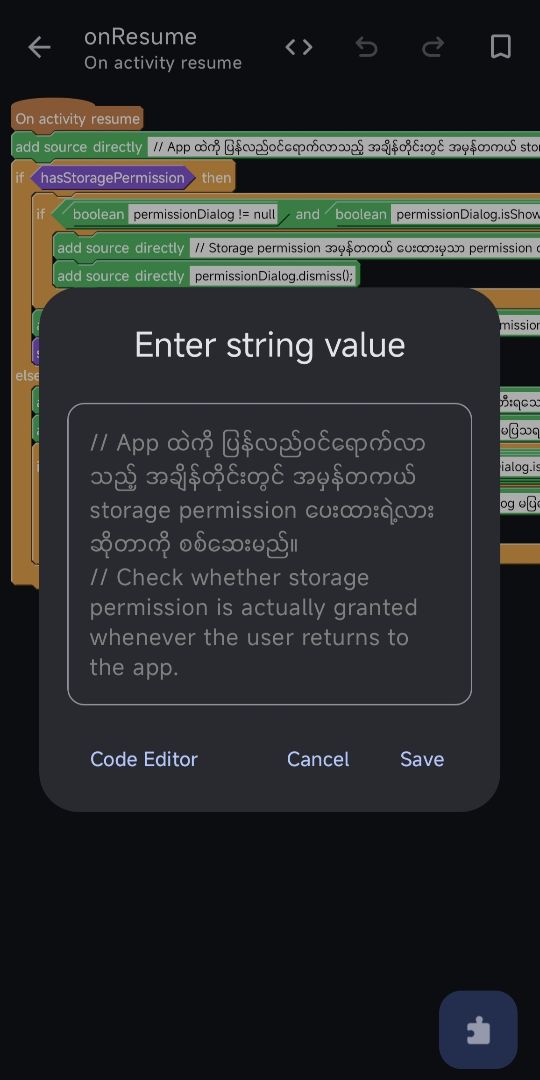
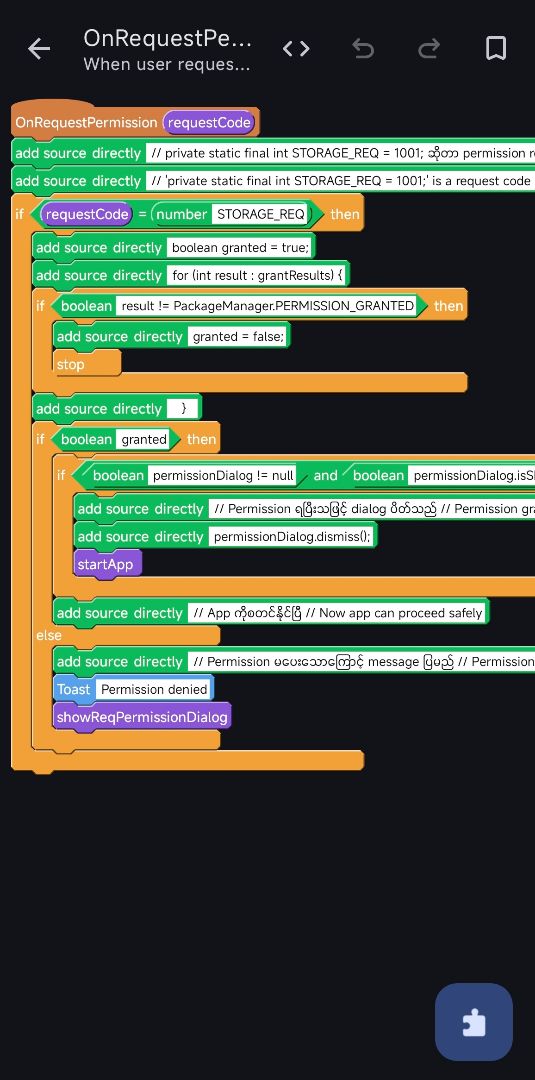
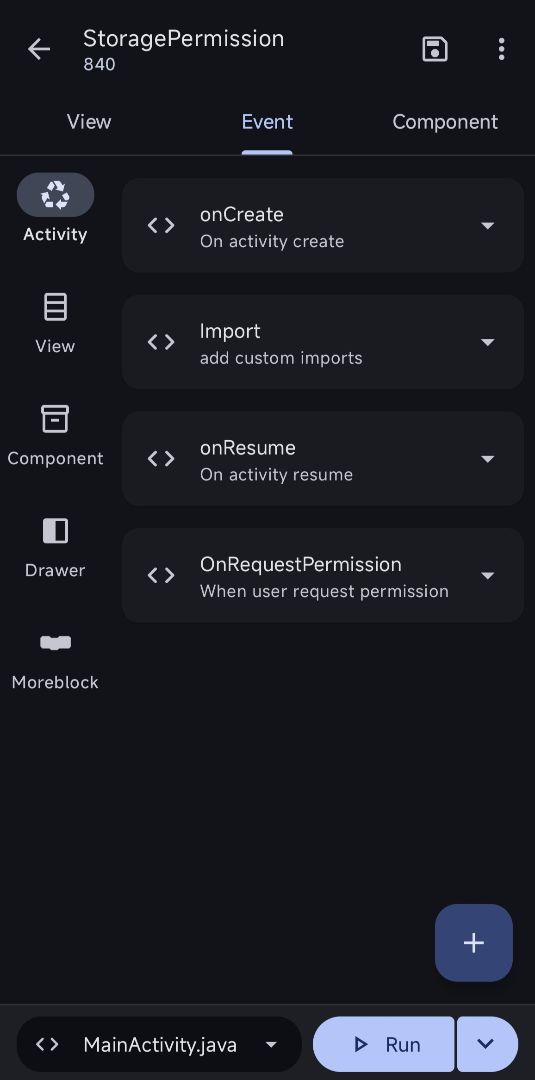
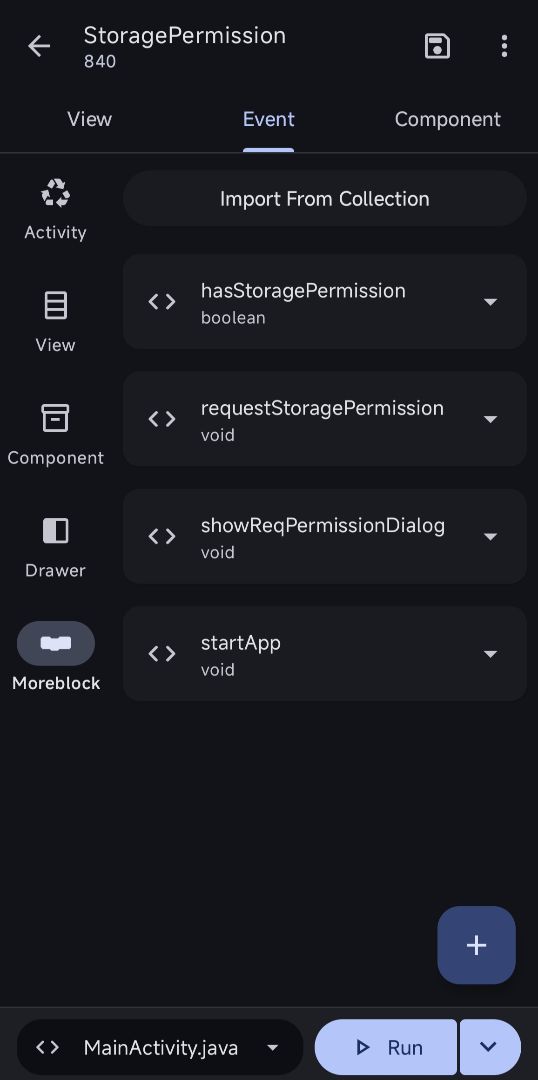
• When the app is launched, it checks storage permission status • If permission is not granted, a permission dialog will be shown • The main functionality of the app will start only after permission is granted • onResume() is used to prevent the permission dialog from showing repeatedly • Permission handling is implemented based on Android versions: → Android 11 and above → All files access (MANAGE_EXTERNAL_STORAGE) → Android 10 and below → Runtime storage permission
——→ Purpose of the App The main purpose of this app is: • To manage storage permission in a safe and user-friendly way • To handle different Android version permission systems • To ensure clean permission flow and avoid duplicate dialogs (bug-free behavior)
If you have any issues, want to request a project, or need a custom app, feel free to contact me.
📩 Contact: Telegram: @kkbb_ware
📺 Learn Sketchware tutorials: YouTube: https://youtube.com/@kaungkhantburmeseblog?si=EOGlmTNyVCrKPyLo
KaungKhantBurmeseBlog
DeveloperFromMyanmar
©2026 Sketchub | User Policy