5 Likes
0 Comments
27 Downloads
Screenshots
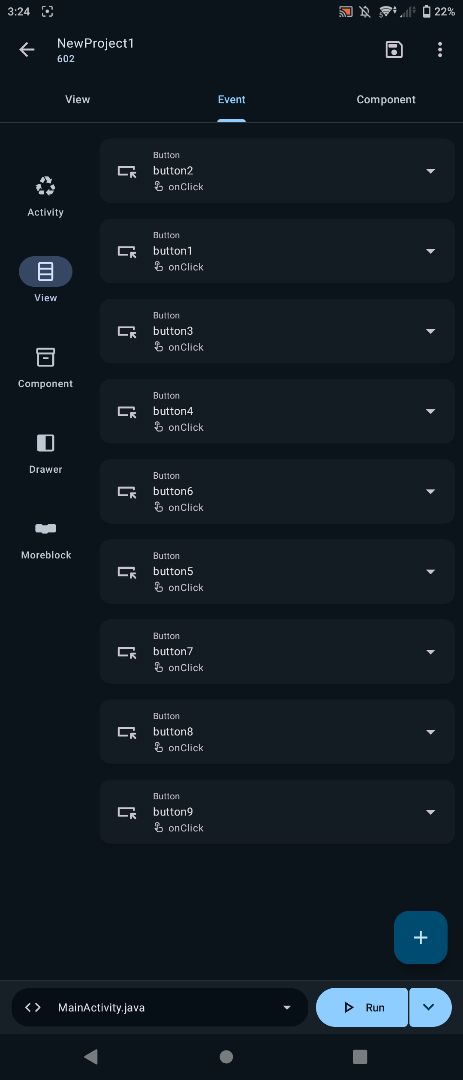
About
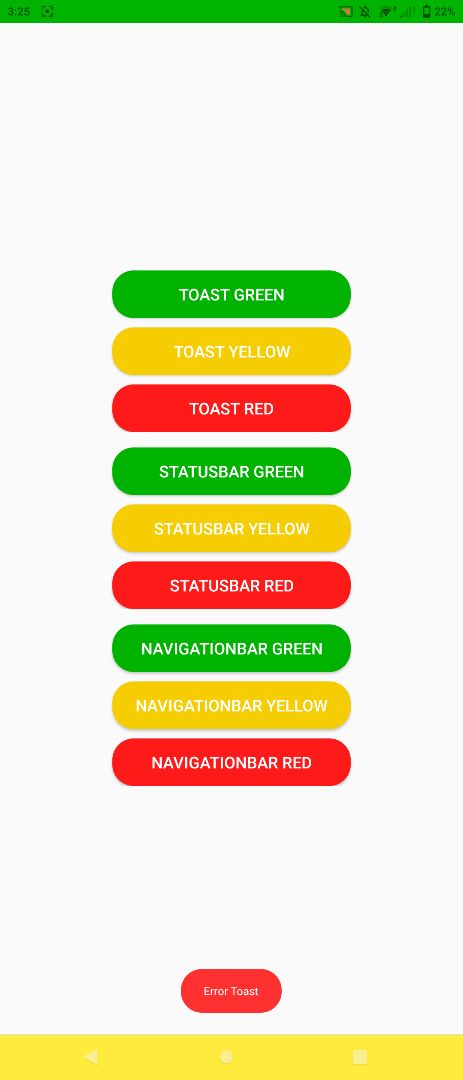
Currently Showing Toast Like Below.
You can make a custom Toast. Please refer bellow example code
This is java code:
Toast toast = Toast.makeText(MainActivity.this, _text, 3000);
View view = toast.getView();

//Gets the actual oval background of the Toast then sets the colour filter
view.getBackground().setColorFilter(Color.parseColor(_bg), PorterDuff.Mode.SRC_IN);

TextView text = view.findViewById(android.R.id.message);
text.setTextColor(Color.parseColor(_color));

toast.setGravity(Gravity.BOTTOM, 0, 50);

toast.show();
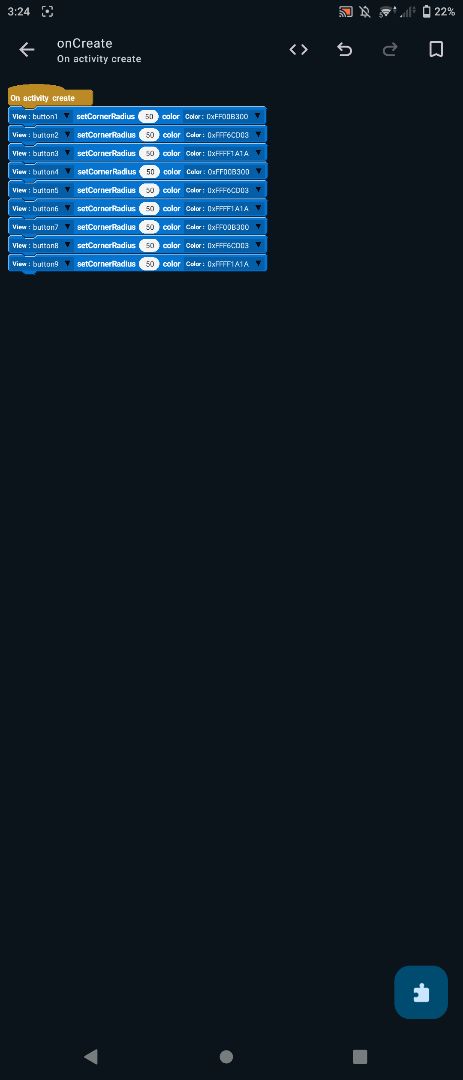
The code corner radius has been added.
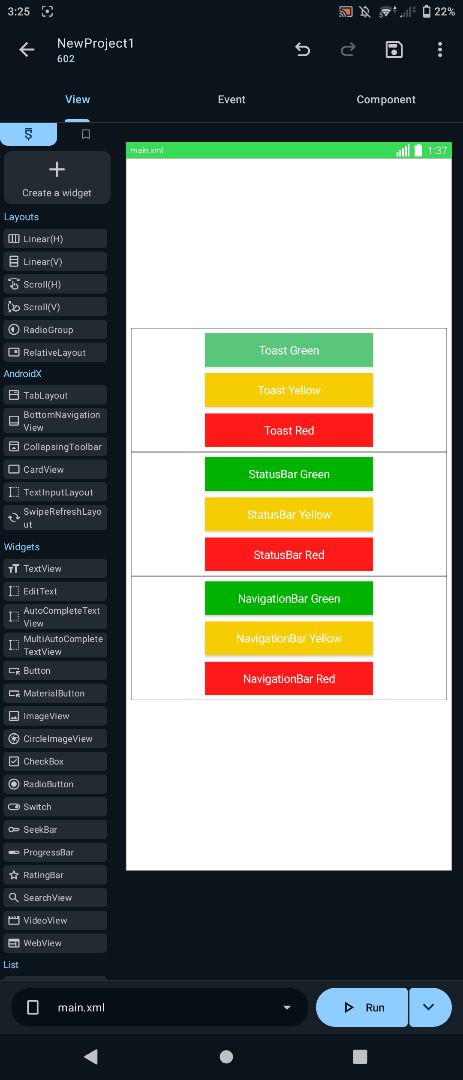
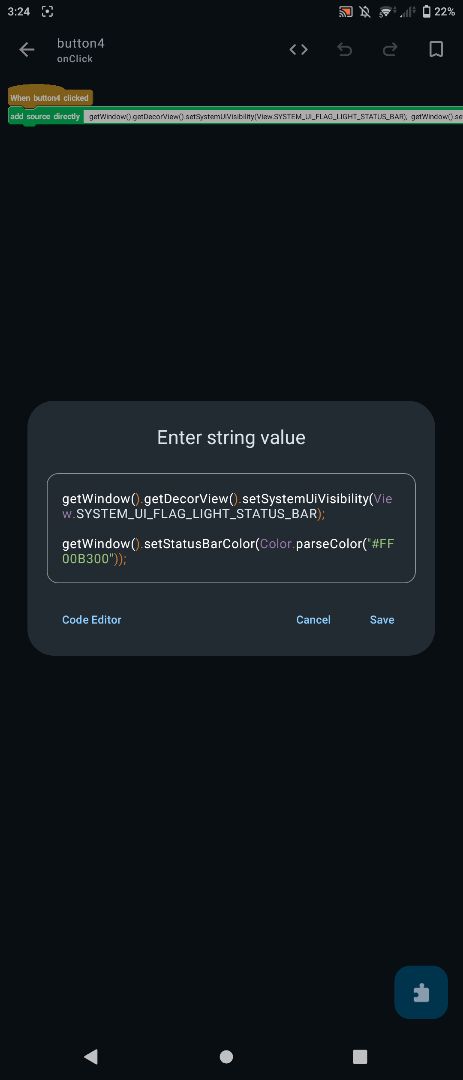
toast.setGravity(Gravity.BOTTOM, 0, 50);Click the button, then add "add source directly" and paste the code (Status Bar):
getWindow().getDecorView().setSystemUiVisibility(View.SYSTEM_UI_FLAG_LIGHT_STATUS_BAR);

getWindow().setStatusBarColor(Color.parseColor("#FFFF1A1A"));
Click the button, then add "add source directly" and paste the code (Navigation Bar):
if (android.os.Build.VERSION.SDK_INT >= android.os.Build.VERSION_CODES.LOLLIPOP) {
    getWindow().setNavigationBarColor(android.graphics.Color.parseColor("#4CAF50"));
}
©2026 Sketchub | User Policy