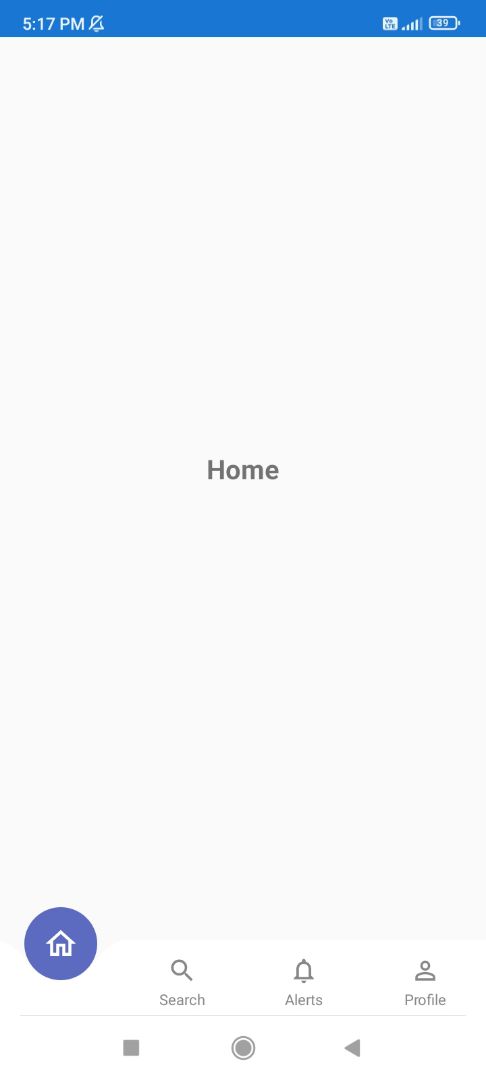
Screenshots
About
A high-end Bottom Navigation Bar for Sketchware Pro. I have heavily modified the original Kotlin logic to ensure it is 100% buildable and stable within the Sketchware environment.
📂 File Structure
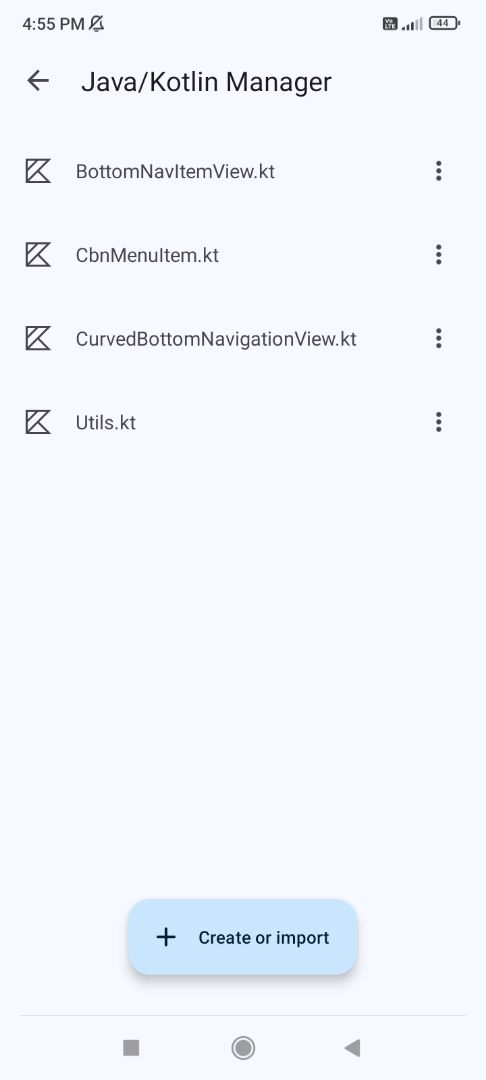
- Java/Kotlin Manager (The Brains):
CurvedBottomNavigationView.kt: Handles Bézier curve drawing, FAB movement, and "Anti-Ghosting" (hiding icons under the FAB).
CbnMenuItem.kt: Data class for menu items (Icons, IDs, Titles).
BottomNavItemView.kt: Manages individual tab states and text/icon positioning.
Utils.kt: DP/PX converters ensuring the UI looks perfect on all screens.
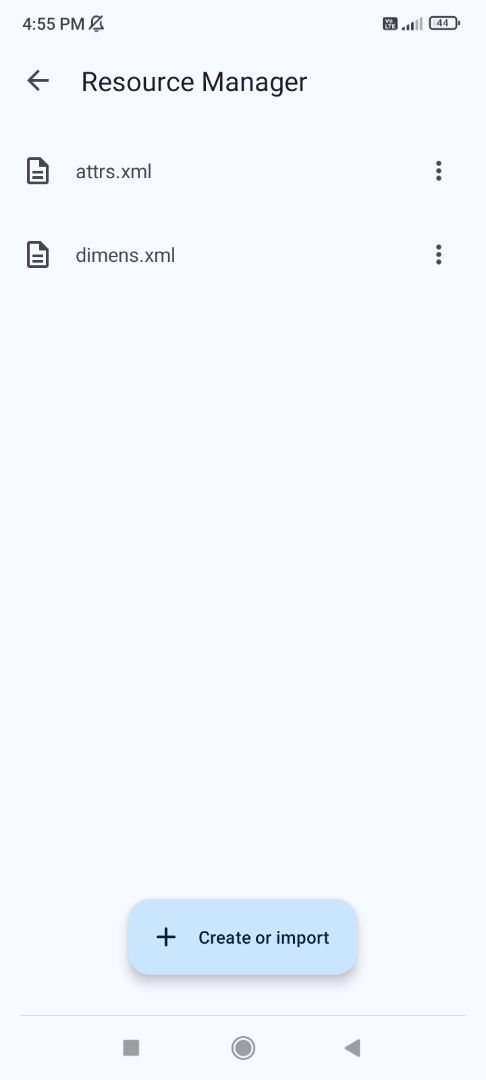
- Resource Manager (res/values):
attrs.xml: Defines custom attributes (colors/styles) for your XML.
dimens.xml: Controls FAB size and bar height without touching code.
⚠️ Critical Setup (Must Read)
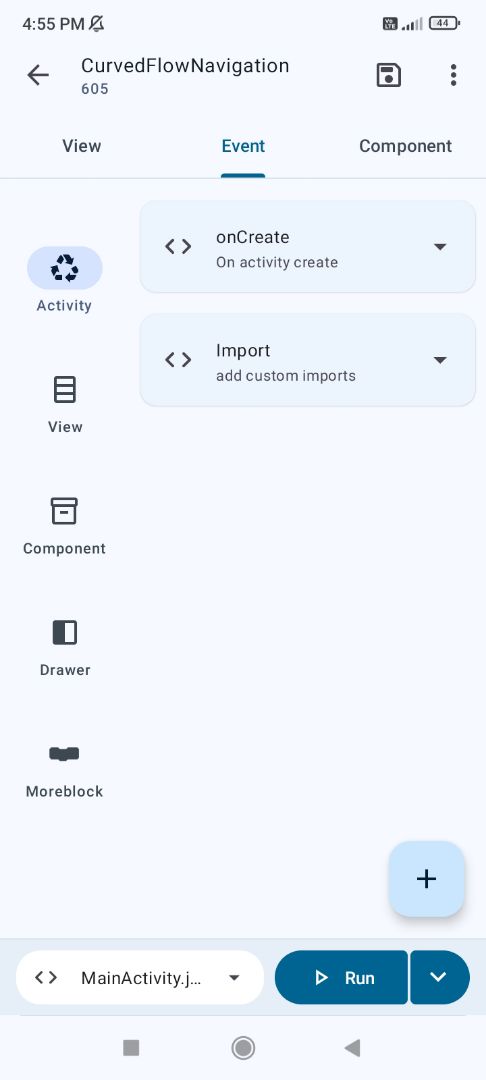
Package Name Sync: If you rename your app package, you MUST update the package line at the top of all 4 Kotlin files and the import lines in Activity.
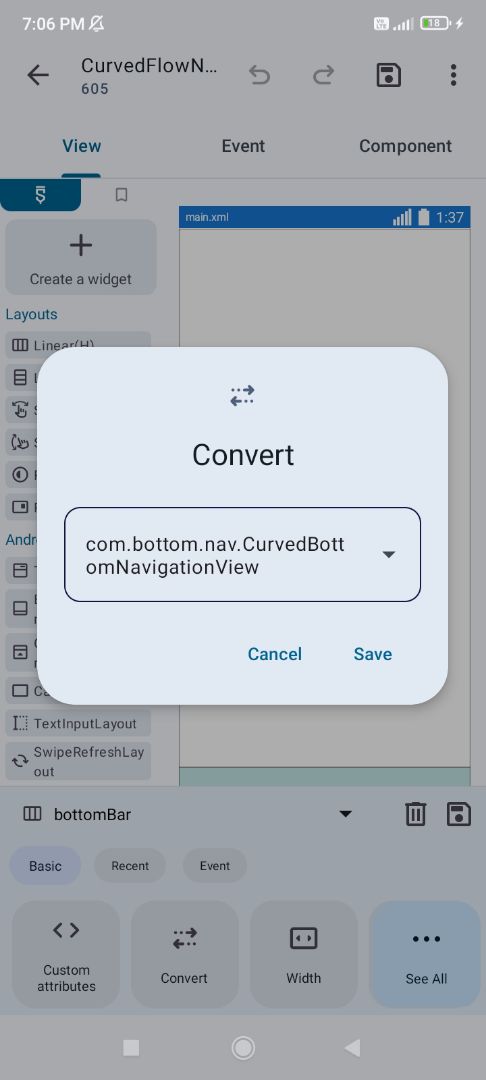
Convert Class: Convert your Bottom Bar (Linear) to your full package path: [your.package.name].CurvedBottomNavigationView (Example: com.my.app.CurvedBottomNavigationView).
🎨 Customization (XML Attributes)
app:cbn_bg: Changes the background color of the main navigation bar. app:cbn_fabBg: Changes the background color of the floating circle (FAB). app:cbn_selectedColor: Changes the color of the icon and text when a tab is active. app:cbn_unselectedColor: Changes the color of the icons and text when they are inactive.
©2026 Sketchub | User Policy