
Screenshots
About
Ideal for developers learning Android UI navigation patterns, this app serves as a practical example of how to implement ViewPager2 with fragments and custom adapters. It can be used as a foundation for building more complex apps requiring tabbed or swipe-based navigation.
Key Features:
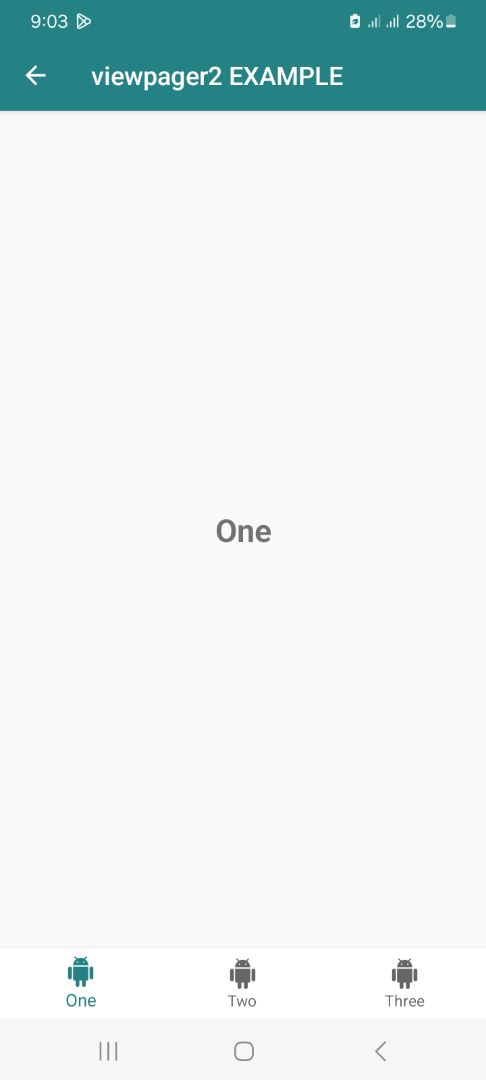
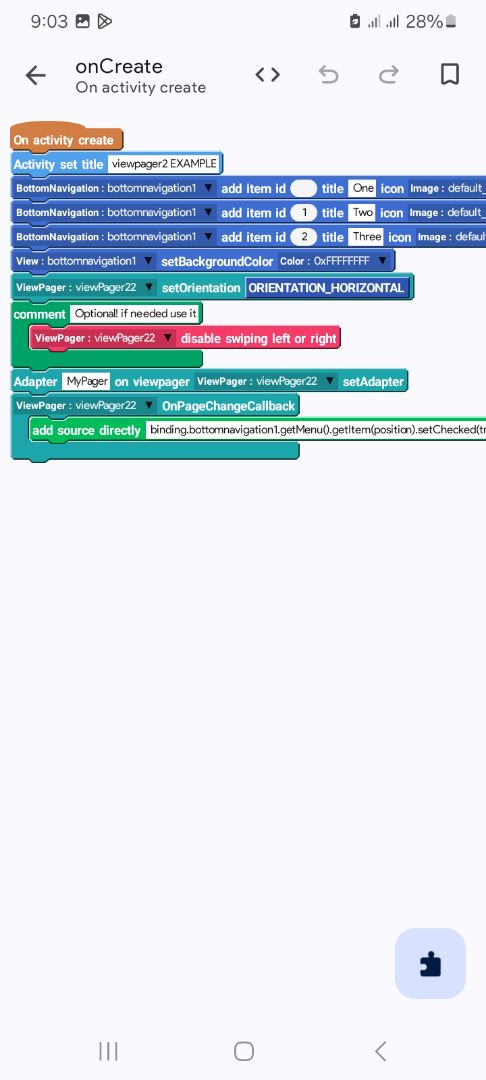
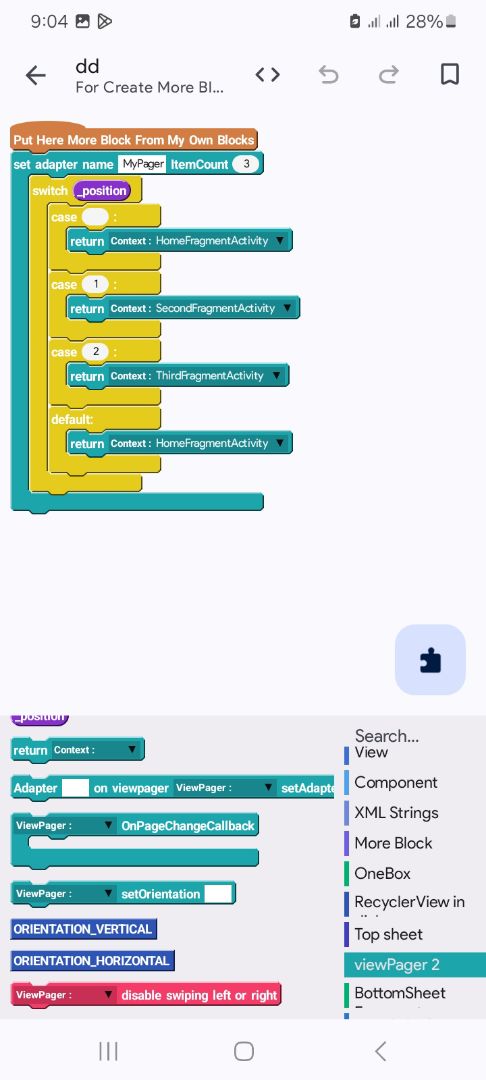
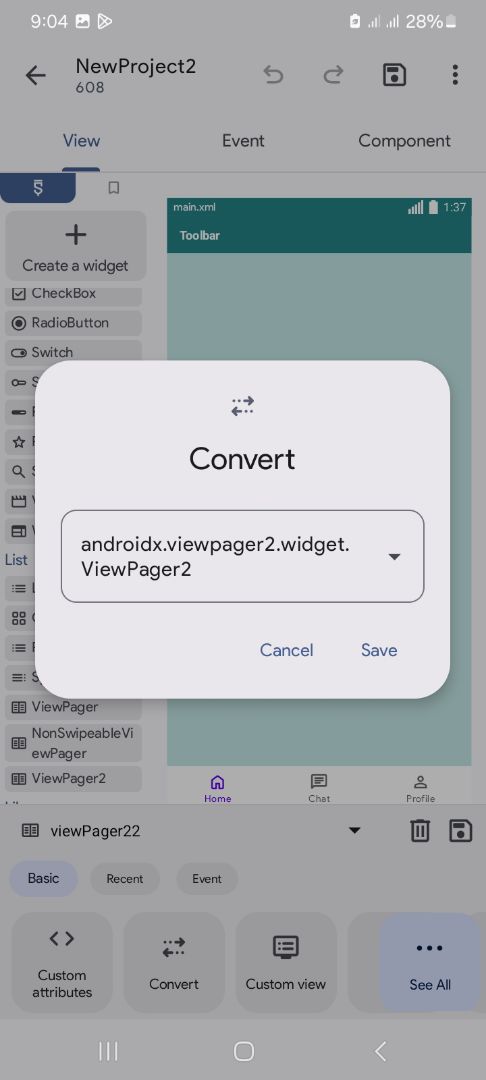
ViewPager2 Integration: The app showcases the use of the androidx.viewpager2.widget.ViewPager2 widget, allowing users to swipe horizontally between different pages or tabs. Fragment-based Navigation: Each page corresponds to a distinct fragment (HomeFragmentActivity, SecondFragmentActivity, ThirdFragmentActivity), enabling modular and organized UI design. Custom Adapter Setup: The app includes a custom adapter (MyPager) that manages the fragments based on the selected position, ensuring dynamic and flexible page management. Tab Layout with Icons: The bottom navigation bar displays tabs with icons and labels ("One", "Two", "Three"), providing clear visual cues for navigation. Swipe Control: The app supports enabling or disabling swipe gestures for page transitions, giving developers control over user interaction. Orientation Support: It supports both vertical and horizontal orientations for the ViewPager, enhancing versatility in UI design. Visual Example: The app provides a simple, clean interface with labeled pages to demonstrate the ViewPager2 functionality clearly.
©2026 Sketchub | User Policy