
3 Likes
0 Comments
60 Downloads
What's new
Enable 5G only/NR Only network. Read Description carefully.
Screenshots
About
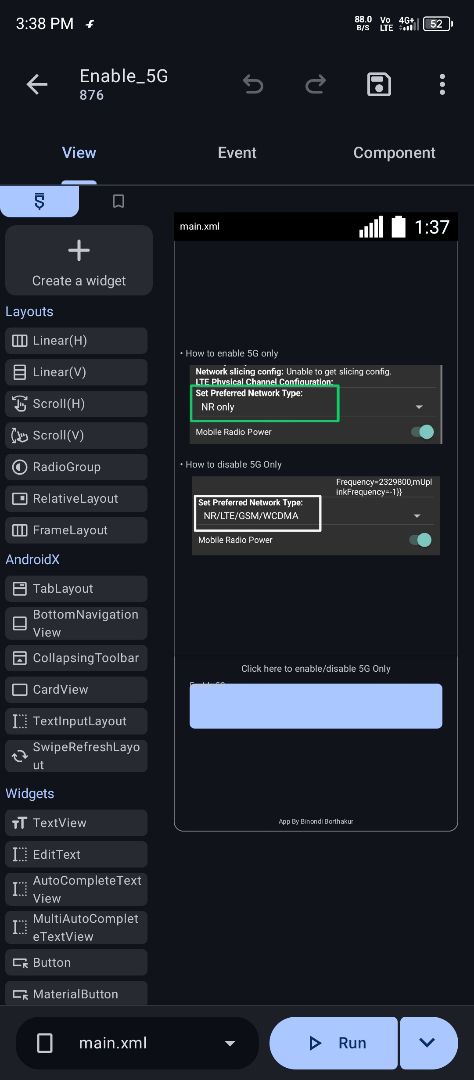
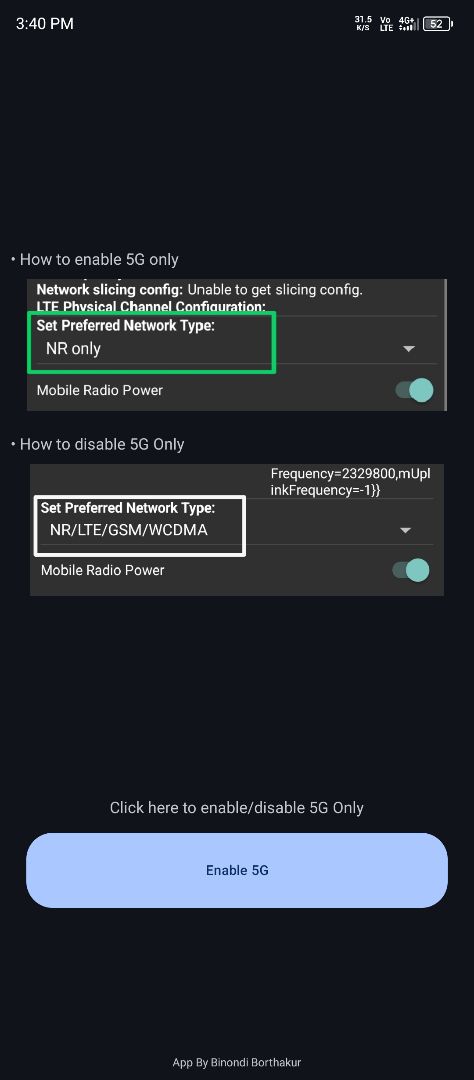
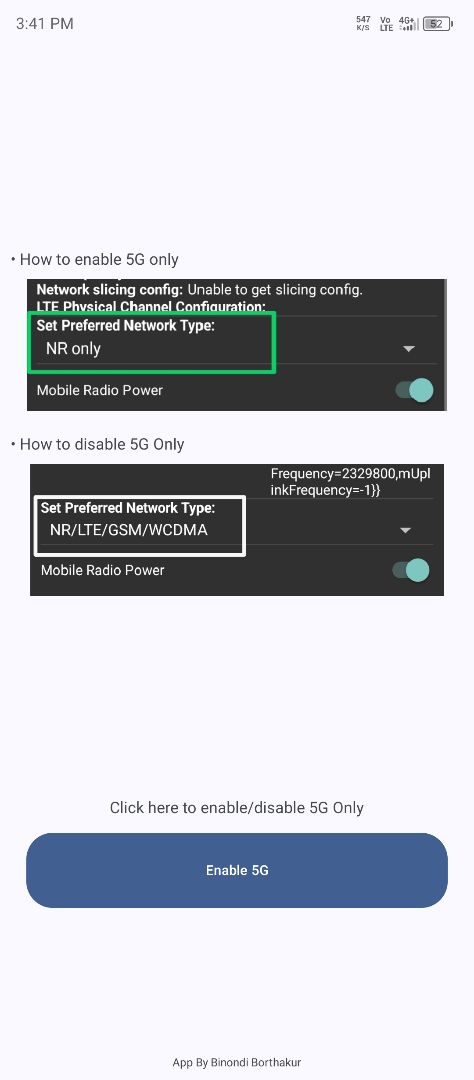
With the help of this project, you can use 5g only network or you can simply enable NR Only with one click.
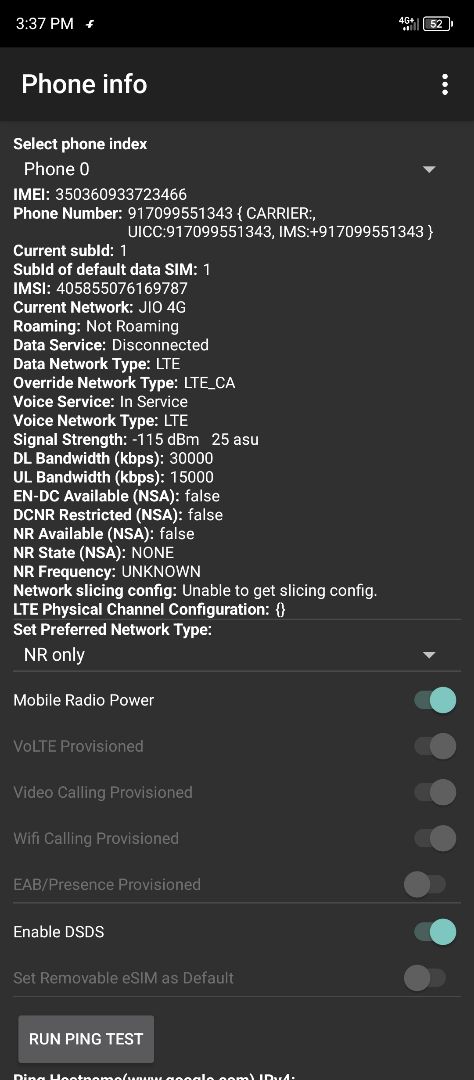
Steps to enable 5G • Click on the button given in the app. • Select NR Only network. • Done, now your phone will only receive 5G net.
Steps to disable 5G. • Go to your phone settings -> Internet settings -> Select '2G/3G/4G/5G' or 'Prefered 5G' or semiler option. • Or go to the app and click on the button below -> Select the 'NR/LTE/GSM/WCDMA' option. • Done, now your phone will receive the available networks.
©2026 Sketchub | User Policy