What's new
New Test Devices block. New banner ads inside on Recyclerview. Blocks Updated.
Screenshots
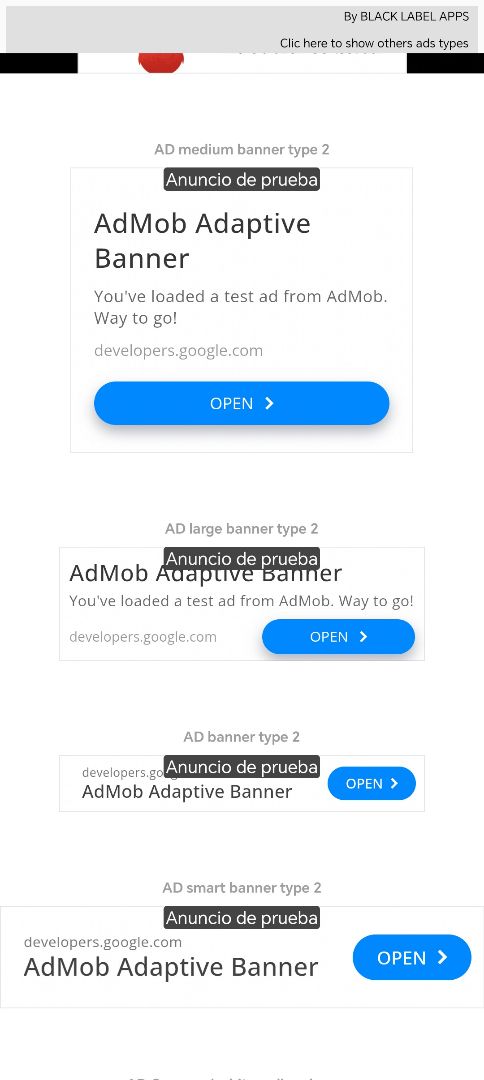
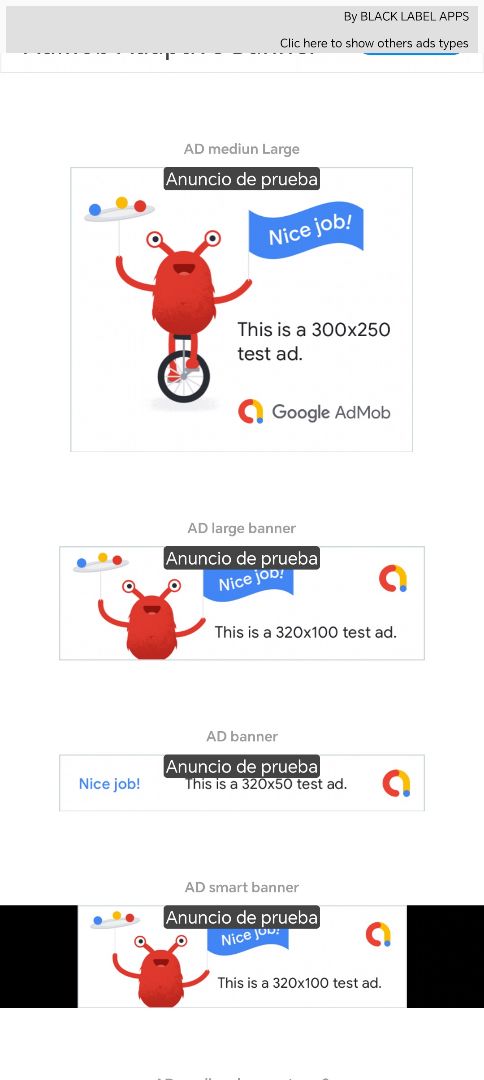
About
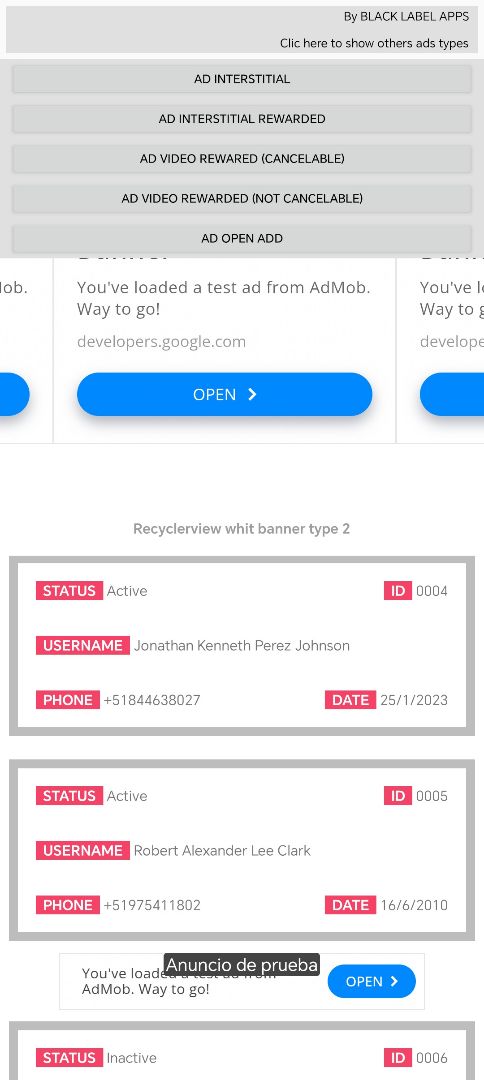
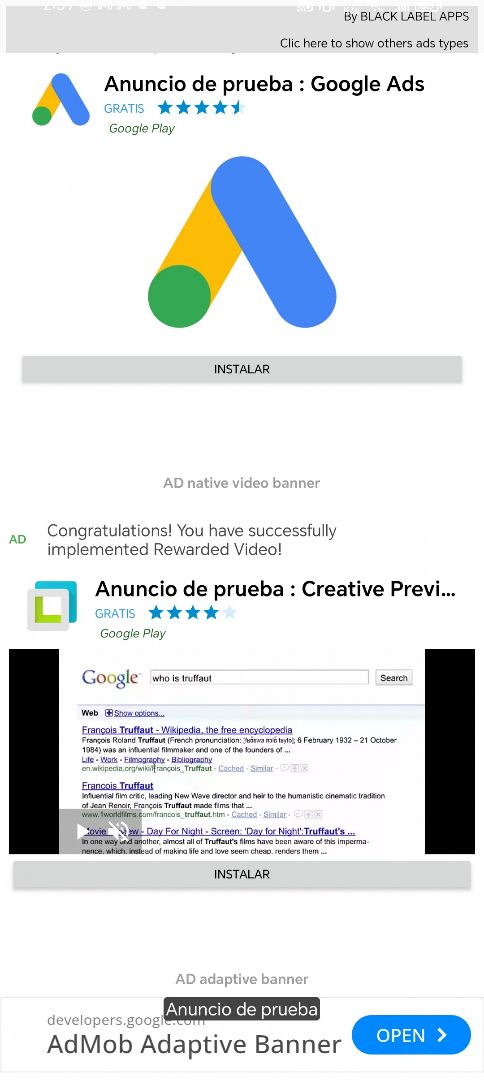
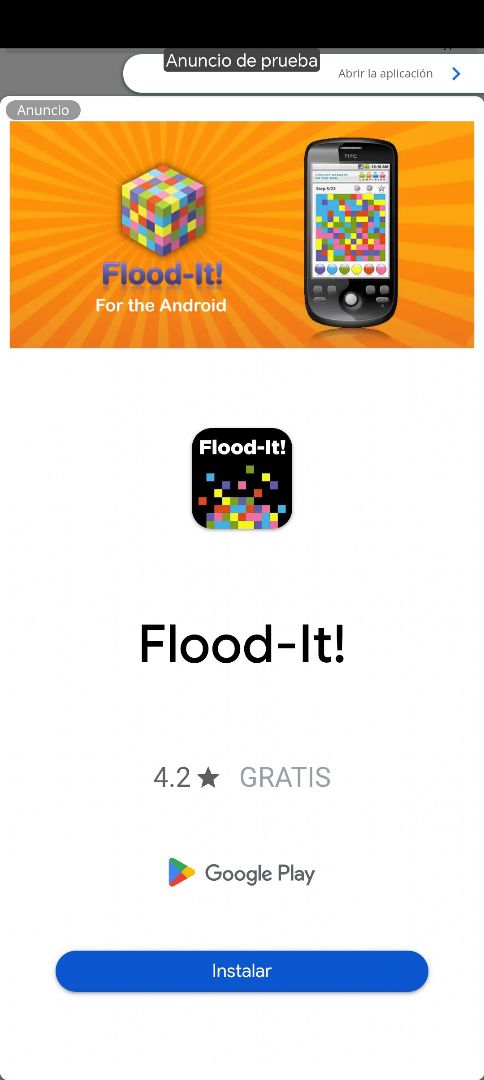
♦ Show all ads of admob: • AD Interstitial • AD Interstitial Rewarded • AD Rewarded (Cancelable) • AD Rewarded (Not Cancelable) • AD Open Add • AD Carrousel banner • AD native banner • AD native video banner • AD adaptive banner • AD mediun Large • AD large banner • AD banner • AD smart banner • AD mediun Large type 2 • AD large banner type 2 • AD banner type 2 • AD smart banner type 2 • AD Exit App • AD Loading App • ADs banner type 2 inside on recycler
♦ If you use loadNaviteAd or nativeVideoAd you need import this block: nativeBannerFunctions, & import native_ad.xml.
♦ To earn replace the IDs with your own & upload your proyect at play store.
♦ IMPORTANT: To avoid getting banned on AdMob, you must follow these rules when testing ads:
• Use the unsigned (debug) version of the app on your personal devices. Never test ads using the signed / production version.
• Register all your test device IDs in:
- "Admob account",
- "Sketchware → Library Manager → AdMob" &
- "Sketchware → OnCreateActivity (private test devices)".
This ensures AdMob recognizes your devices as test devices and prevents invalid traffic.
♦ OTHERS: This proyect use (badge text (adtextto), full TryCatch, fullscreen & snackBar) :)
♦ Remember install the last sketchware version https://sketchware.pro/download
©2026 Sketchub | User Policy